
10 Free DaVinci Resolve Plugins You Should Try as a Beginner
Starting with DaVinci Resolve can be overwhelming, especially when you discover how many effects, tools, and plugins are available. The good news is that you don't need to spend money to improve your editing workflow.
In this guide, we've selected 10 free DaVinci Resolve plugins and tools that beginners should try. They can help with everything from Fusion effects and animation to audio and everyday editing.
Whether you're editing YouTube videos, short-form content, cinematic videos, or just learning Resolve, these free tools can make your workflow faster and more powerful.
1. Reactor

Reactor is one of the best places to start if you're new to Fusion. It works as a package manager that lets you discover and install a large collection of community-created Fusion tools, macros, scripts, and Fuses.
Why beginners should try it:
- Large collection of free Fusion tools
- Easy way to discover community tools
- Useful for effects and motion graphics
- Great way to expand Fusion
2.Get Reactor →
2. VideoStudio Starter Pack
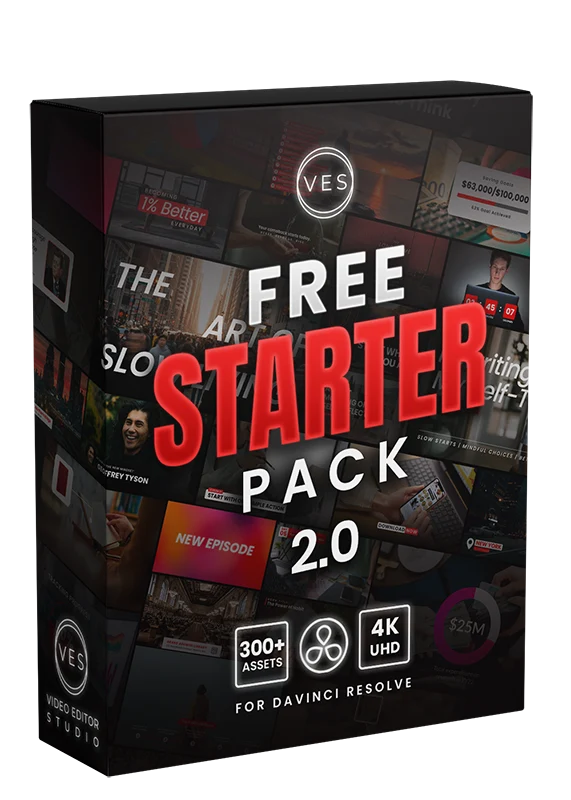
VideoStudio Starter Pack is a collection of useful tools and assets designed to help video editors speed up their workflow. It's a good option for beginners who want ready-to-use elements without having to create everything from scratch.
Why try it?
- Beginner-friendly video editing resources
- Useful for creating videos faster
- Ready-to-use editing assets
- Great for YouTube and social media creators
3. SuperGlitch
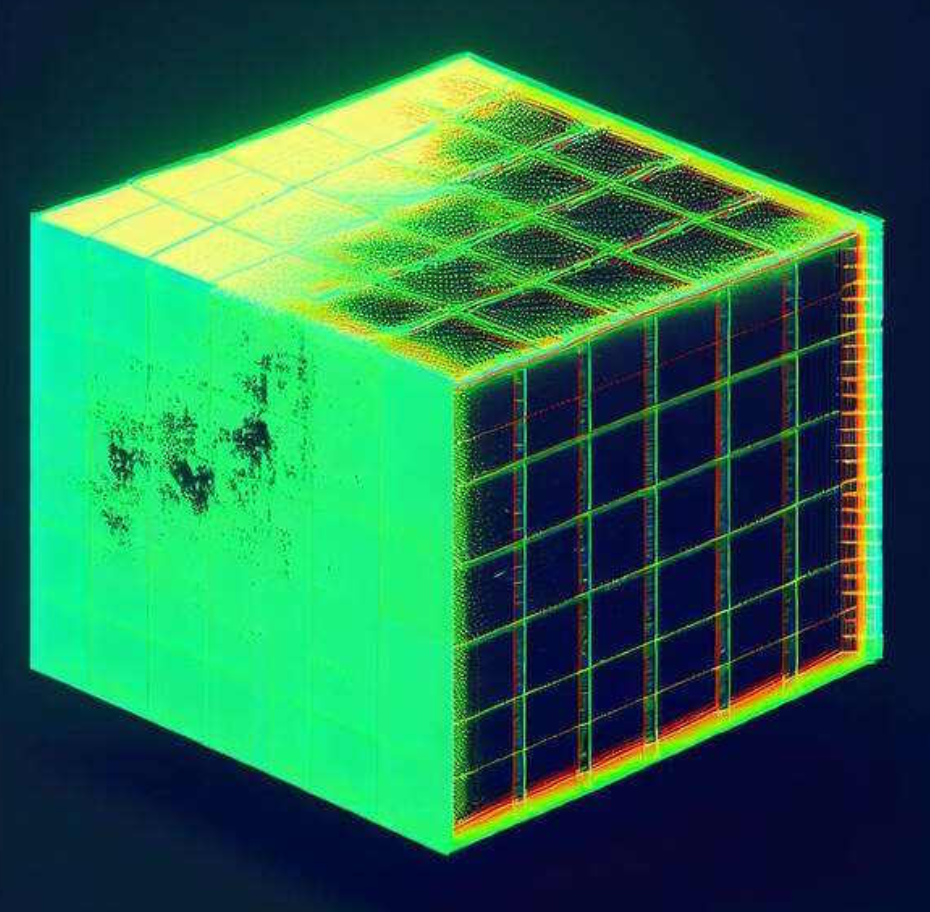
SuperGlitch is a DaVinci Resolve plugin designed to create glitch-style visual effects. It's a great option for beginners who want to add energetic and modern effects to their videos without having to build complex effects from scratch.
Why try it?
- Easy way to create glitch effects
- Great for YouTube intros and outros
- Useful for music videos and gaming content
- Can add a modern, energetic look to edits
- Beginner-friendly alternative to creating glitch effects manually
4. MagicZoomFREE
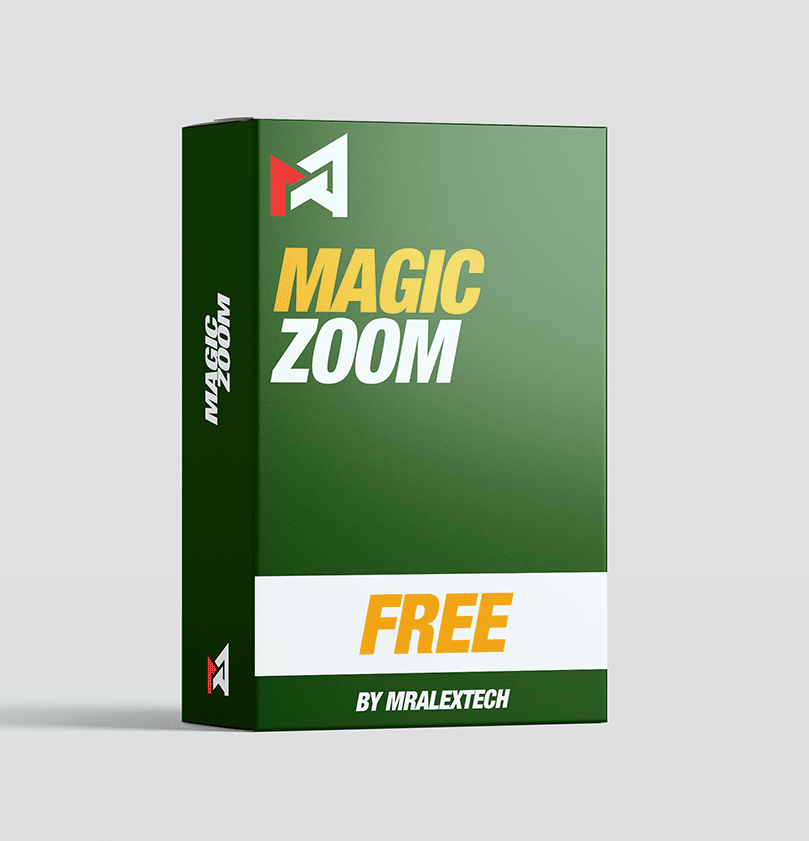
MagicZoomFREE is a free seamless zoom tool for DaVinci Resolve created by MrAlexTech. It lets you create smooth zoom effects without manually building complicated keyframes or relying on Dynamic Zoom.
It also includes a 3D-style Pitch/Yaw effect and optional motion blur, making it useful for YouTube videos, tutorials, social media edits, and other projects where you want smooth punch-in and zoom effects.
Why try it?
- Completely free to use
- Creates smooth seamless zoom effects
- Includes optional motion blur
- Supports Pitch/Yaw 3D-style effects
- Beginner-friendly installation
- No need to manually create complicated zoom keyframes
Compatibility: The latest version requires DaVinci Resolve 19.1.1 or later.
5. MagicAnimate V3 Free
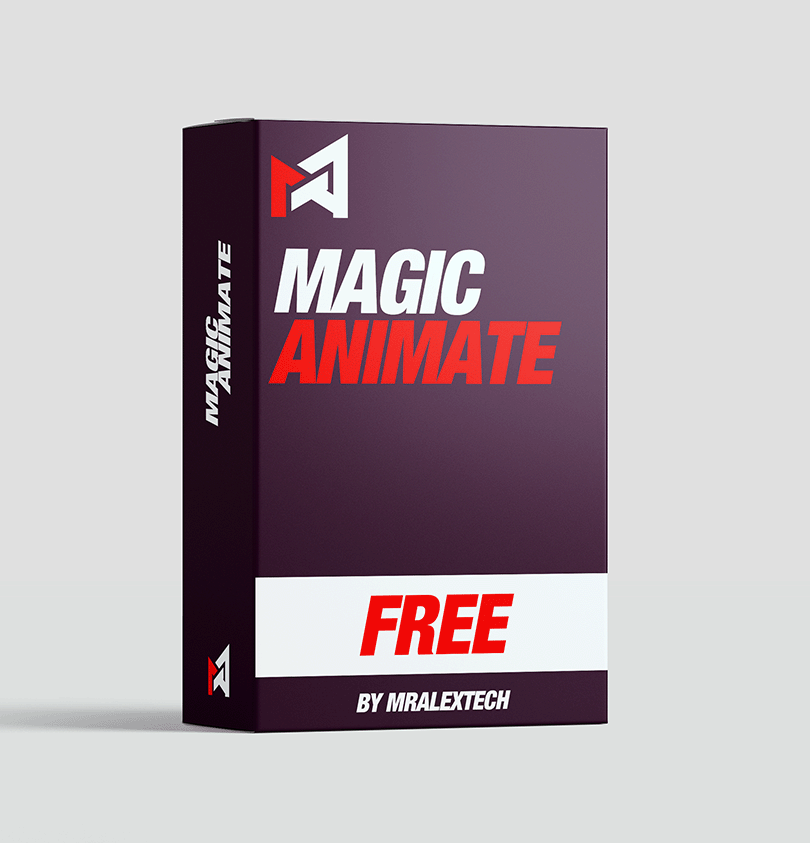
MagicAnimate V3 Free is a free DaVinci Resolve tool from MrAlexTech that makes it easier to create animated elements and motion effects. The latest V3 version adds more customization, timing controls, and animated masks.
It works with both the Free and Studio versions of DaVinci Resolve, making it a great option for beginners who want to start experimenting with motion graphics.
Why try it?
- Completely free version available
- More customization and timing controls in V3
- Includes animated masks
- Works with DaVinci Resolve Free and Studio
- Easy DRFX installation
- Great for beginners learning motion graphics
Compatibility: DaVinci Resolve 17.4 and newer, including both Free and Studio versions.
6. Editors Lab Plugin
Editors Lab is a powerful DaVinci Resolve plugin designed to give editors quick access to a wide range of creative assets and tools. It helps speed up your editing workflow by bringing useful elements directly into DaVinci Resolve.
From motion graphics and overlays to titles, effects, icons, and other ready-to-use assets, Editors Lab makes it easier to find and add creative elements without constantly searching through separate folders or websites.
Why try it?
- Large collection of creative assets
- Designed specifically for DaVinci Resolve editors
- Quickly find and use elements in your projects
- Includes motion graphics, overlays, titles, and more
- Helps speed up your editing workflow
- Great for YouTubers, content creators, and video editors
Compatibility: DaVinci Resolve Studio and compatible versions supported by the plugin.
7. Patrick Stirling Free Presets
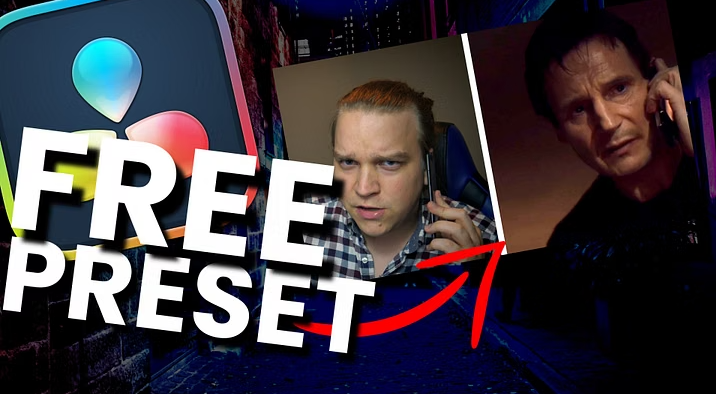
Patrick Stirling offers a huge collection of free presets and plugins for DaVinci Resolve. His free collection includes useful effects and tools for editors, ranging from transitions and text effects to social media animations, tracking tools, and workflow-enhancing plugins.
There are plenty of options to experiment with, including Split Screen, Picture-in-Picture, Speed Lines, Tracked Image, Magnify, TikTok, Social Promo, Progress Bar, RGB Split, Tracked Text and many more. The collection is especially useful if you want to expand your DaVinci Resolve toolkit without spending money on additional plugins.
Why try it?
- Large collection of free DaVinci Resolve presets and plugins
- Includes effects, animations, and editing tools
- Useful for YouTube, TikTok, and social media content
- Includes tracking, text, image, and motion effects
- Great way to expand your Resolve toolkit for free
- Useful for both beginners and experienced editors
Compatibility: Compatibility varies depending on the individual preset or plugin. Check the specific download page for system and DaVinci Resolve version requirements.
8. Krokodove
Krokodove is a powerful collection of tools for DaVinci Resolve and Fusion, developed by Komkom Doorn over more than 20 years. It includes a wide range of creative and productivity tools for creating 2D and 3D graphics, effects, and motion graphics.
The best part is that DaVinci Resolve 21 now includes the Krokodove toolset directly inside Fusion, adding more than 70 new graphics and tools without requiring a separate installation. The collection includes generators, distortion tools, pixel manipulation, 3D tools, modifiers, and other useful effects.
Why try it?
- 70+ additional graphics and tools in DaVinci Resolve 21
- Works directly inside the Fusion page
- Includes 2D and 3D graphics tools
- Useful generators, distortions, and image effects
- Includes vector and data tools
- Great for motion graphics and VFX work
- Developed and maintained for more than 20 years
Compatibility: Krokodove is integrated into DaVinci Resolve 21. The standalone Krokodove v8.30 release also supports selected older versions of Fusion and DaVinci Resolve, with compatibility depending on the operating system and host version.
9. Toko Graphics Free Demo Pack

Toko Graphics is a free demo pack that gives DaVinci Resolve users a selection of ready-to-use motion graphics and creative elements. It is a great way to try out the Toko Graphics collection before deciding whether you need the full pack.
The free version includes 50+ graphics elements covering titles, typography, backgrounds, flat transitions, camera transitions, social media graphics, logo reveals, gradients, icons, shape lines, and basic shapes. It also includes fast installation and links to step-by-step video tutorials.
Why try it?
- 50+ free graphics elements
- Includes titles and typography
- Flat and camera transitions included
- Social media and logo reveal elements
- Includes gradients, icons, and shape elements
- Fast installation
- Step-by-step tutorials included
- Great way to test the full Toko Graphics collection for free
Compatibility: DaVinci Resolve 17 and newer.
10. Free DaVinci Resolve Tools on GitHub

If you're looking for free tools for DaVinci Resolve, GitHub is a great place to explore. This repository collects multiple free tools in one place, including macros, scripts, and plugins that can help improve your editing workflow.
Instead of downloading just one effect or plugin, you can browse the repository and discover different tools for automating tasks, improving your workflow, and adding new functionality to DaVinci Resolve. It's especially useful for editors who enjoy experimenting with free and open-source tools.
Why check it out?
- Multiple free DaVinci Resolve tools in one repository
- Includes macros, scripts, and plugins
- Great resource for discovering new Resolve tools
- Free to explore and use
- Open-source GitHub repository
- Useful for editors looking to expand their Resolve workflow
Compatibility: Compatibility depends on the individual tool. Check each tool's documentation or repository instructions before installing it.
10 Free DaVinci Resolve Starter Tools
A good collection of free effects and utilities can be extremely useful when you're learning Resolve. Instead of buying a large plugin bundle immediately, start with a few tools that solve the problems you actually encounter while editing.
Start with:
- Transitions
- Text animations
- Zoom effects
- Sound effects
- Simple Fusion tools
Which Free DaVinci Resolve Plugin Should You Try First?
If you're completely new to DaVinci Resolve, don't install everything at once. Start with Reactor and explore a few tools that match the type of videos you create.
If you create YouTube videos, focus on subtitles, zoom effects, audio tools, and transitions. If you're interested in motion graphics, start exploring Fusion tools, Fuses, and macros.
The best plugin isn't necessarily the one with the most features. It's the one that saves you time and makes your editing workflow easier.